How to Deactivate TM SIM Card Online in the Philippines
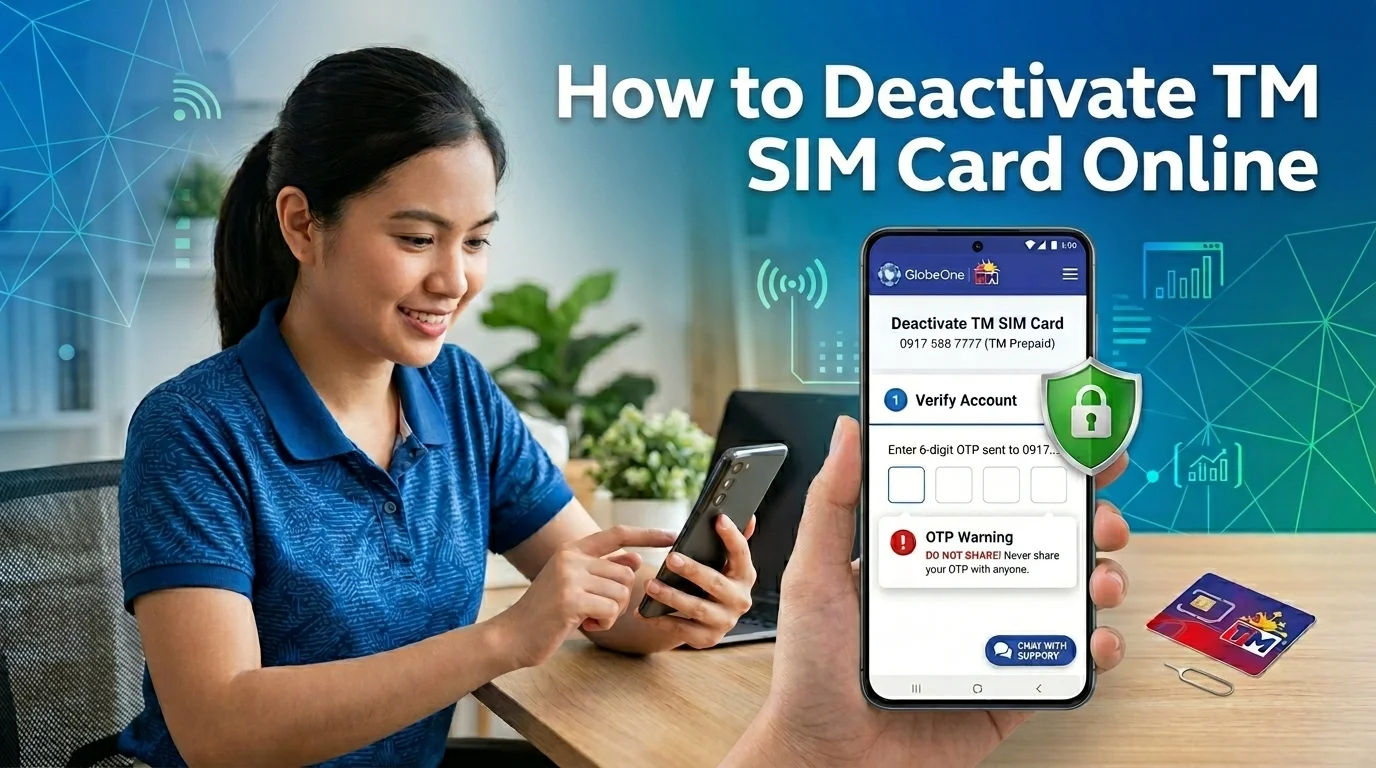
A lost or unused TM SIM card can create privacy and security risks. Someone may access your OTP messages, social accounts, or mobile wallet if the SIM stays active. Many prepaid users deactivate their TM SIM to avoid these problems.
TM allows users to request SIM deactivation through official support channels and Globe services. The process stays simple if your SIM already uses the correct TM SIM registration details.
In this guide, you will learn how to deactivate TM SIM card online in the Philippines. You will also find the required documents, available methods, and important precautions before deactivation.
How to Deactivate a TM SIM Card Online
TM users can deactivate a SIM card through official Globe support channels. The process helps block calls, texts, mobile data, and OTP access linked to the number. Most requests require identity verification before approval.
Contact TM Customer Service
TM customer support can process SIM deactivation requests for lost, stolen, damaged, or unused SIM cards.
Follow these steps carefully:
The support team may temporarily block the SIM first during verification. Most requests finish after successful identity confirmation.
Deactivate Through the GlobeOne App
The GlobeOne app helps users manage TM services and account-related concerns online.
Follow these steps:
- Open the GlobeOne app on your smartphone.
- Log in using the TM number linked to your account.
- Go to the “Help” or “Support” section inside the app.
- Choose the SIM or account concern category.
- Submit your request for SIM deactivation.
- Complete the verification process shown on the screen.
Some users may receive follow-up instructions through email, SMS, or live support chat.
Request Help Through Globe Support
Globe Telecom also handles TM support requests through digital support channels. This option helps users without access to the GlobeOne app. Users facing signal or network issues can also check these TM SIM no signal fixes before requesting SIM deactivation.
You can contact Globe support through:
Support agents may ask for:
Providing correct information can speed up the verification process.
Reporting a TM SIM Through the NTC Website
The National Telecommunications Commission website allows users to report lost or stolen SIM cards. This process helps protect users from fraud, scams, and unauthorized account access. Users facing internet or mobile network issues can also check the TM APN settings guide for better TM connectivity and mobile data performance.
Follow these steps:
- Visit the official NTC website.
- Open the SIM complaint or reporting section.
- Fill in your personal details carefully.
- Enter the lost or stolen TM mobile number.
- Upload your identification documents.
- Write a short explanation about the incident.
- Submit the complaint form for review.
NTC may coordinate with Globe support during the verification process.
Visit a Globe Store
A Globe store can help users who cannot complete the request online. This option also works well for damaged SIM cards or ownership verification issues.
Bring these documents before visiting:
Store staff will verify your information before processing the deactivation request.
How to Deactivate a Lost or Stolen TM SIM
A lost TM SIM card can put your personal accounts at risk. Someone may use the SIM for OTP verification, mobile banking access, or scam activity. You should block the SIM immediately after losing your phone.
Block the SIM Immediately
Contact TM or Globe Telecom support as soon as you notice the SIM is missing. Ask the support team to temporarily block or deactivate the number.
Support agents may ask for:
Correct account details can speed up the blocking process.
Secure Linked Accounts and eWallets
Many apps use mobile numbers for login approval and OTP security. A stolen SIM card may give someone access to your financial or social accounts.
Immediately secure accounts connected to your TM number, including:
Change passwords and remove the lost number from sensitive accounts whenever possible.
Request a TM SIM Replacement
Users who still want the same number can request a SIM replacement instead of permanent deactivation. This option helps restore access to calls, texts, mobile banking, and OTP services.
Visit a Globe store and bring:
Store staff will review the documents before processing the replacement request.
Steps to Deactivate a TM SIM for Minors
Parents or guardians can request TM SIM deactivation for minors through official TM support channels. This process helps protect a child’s mobile number from misuse, scams, or unauthorized account access.
Before starting the request, prepare these documents:
Users can submit the request through the GlobeOne app, TM customer support, or a nearby Globe store.
Follow these steps carefully:
- Open the preferred TM or Globe support channel.
- Provide the registered TM number linked to the minor.
- Submit the guardian’s identification documents.
- Explain the reason for SIM deactivation.
- Upload or present the required verification documents.
- Wait for account ownership confirmation from TM support.
After successful verification, TM will process the deactivation request. Most users receive a confirmation update through SMS, email, or customer support notification.
Reasons to Deactivate a TM SIM Card
TM users deactivate their SIM cards for different personal, security, and account-related reasons. In many cases, quick deactivation helps prevent unauthorized access and protects important mobile services.
Lost or Stolen Phone
A lost phone can expose your calls, messages, OTP codes, and linked accounts. Deactivating the TM SIM quickly can help stop unauthorized access and mobile fraud.
SIM Replacement With the Same Number
Some users deactivate an old TM SIM before requesting a replacement SIM card. This process helps transfer the same mobile number to a new working SIM.
Security or Privacy Concerns
Users may deactivate a TM SIM after suspicious activity, unknown login attempts, or repeated OTP requests. Blocking the SIM can help secure personal accounts and sensitive information.
Unused TM SIM Card
Many prepaid users deactivate old TM SIM cards they no longer use. This step helps avoid unwanted messages, account confusion, or inactive number issues.
Spam or Scam Activity
Some users receive repeated spam calls, scam texts, or phishing messages on their TM number. Deactivating the SIM can help stop further misuse and unwanted contact.
What Happens After TM SIM Deactivation
TM SIM deactivation immediately affects your mobile services and linked accounts. The exact changes depend on how long the SIM stays inactive after deactivation.
First 24 Hours After Deactivation
Most TM users lose access to calls, texts, mobile data, and OTP messages shortly after deactivation. Banking apps, eWallets, and social media accounts linked to the number may also stop sending verification codes.
Some support requests may still remain under review during this period. Users should monitor confirmation updates from Globe Telecom support.
After 7 to 30 Days
A deactivated TM SIM may become harder to recover after several days of inactivity. Users who still want the same number often request a SIM replacement before permanent account removal.
During this period:
Permanent SIM Deactivation Timeline
TM may permanently disable the SIM after extended inactivity or account closure. A permanently deactivated SIM card usually cannot reconnect to the network again.
Users may need:
Always secure important accounts before allowing a TM SIM to remain inactive for long periods.
Common TM SIM Deactivation Problems
Some TM users face delays or verification problems during the deactivation process. Most issues happen because of incorrect account details, missing documents, or temporary system errors.
Verification Failed
TM may reject the request if your information does not match the SIM registration record. Wrong names, invalid IDs, or incorrect mobile numbers often cause this problem. Always use the same details linked to your registered TM SIM.
Incorrect Account Information
Many users enter outdated or incomplete account details during the request process. This mistake can delay approval or stop the request completely. Before contacting Globe Telecom support, review your registered mobile number and ownership information carefully.
Delayed Request Processing
Some deactivation requests take longer because of verification checks or high support traffic. Public holidays and incomplete documents may also slow the process. Most users receive updates through SMS, email, or customer support replies.
GlobeOne App Errors
The GlobeOne app may sometimes fail to load support tools or verification forms properly. Weak internet signals, outdated app versions, or temporary maintenance often cause these errors. Users can try updating the app or using another official support channel.
Tips Before Deactivating Your TM SIM
A few safety steps can help prevent account problems after TM SIM deactivation. Users should secure important data and linked services before submitting the request.
Back Up Important Contacts
Save important phone numbers, messages, and account details before deactivating the SIM. A deactivated TM SIM may no longer access stored mobile services or cloud sync features.
Remove Linked Bank and eWallet Accounts
Many users connect their TM number with banking apps and digital wallets. Remove the old number from services like GCash, Maya, and online banking accounts before deactivation.
Save OTP and Verification Access
Many platforms still send OTP codes and login alerts to your TM number. Update your recovery number or email on important accounts before the SIM becomes inactive.
Prepare Important Documents
TM or Globe Telecom support may request verification documents during the process. Keep your valid ID and SIM ownership details ready to avoid delays.
Conclusion
TM SIM deactivation helps protect your number, personal data, and linked accounts from unauthorized access. Users can request deactivation through customer support, the GlobeOne app, or official Globe channels.
Before starting the process, back up important contacts and secure accounts linked to your TM number. Quick action can help prevent OTP misuse, scams, and account security problems.