How to Pasaload TM to Globe or TM
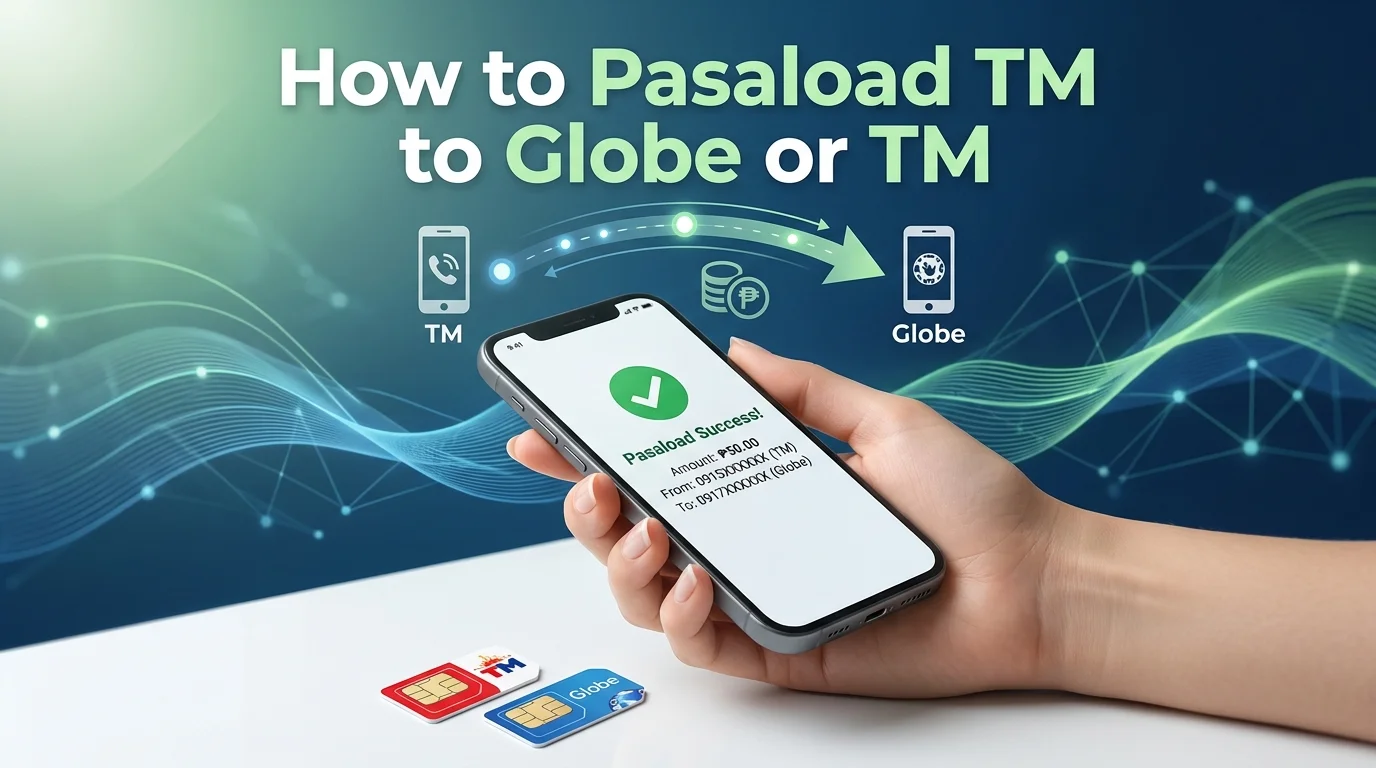
Running out of load can create problems, especially during an important call or message. TM Pasaload gives prepaid users a quick way to share load with friends or family. You can send a load from TM to another TM or Globe number in just a few steps. The service works on both smartphones and basic mobile phones.
TM users can transfer load using *143#, SMS, or the GlobeOne app. To use Pasaload and other TM services without issues, make sure your TM SIM Registration is complete. The process is simple and does not take much time. Many prepaid users in the Philippines use this feature for emergency calls, texts, and mobile data needs.
In this guide, you will learn how to pasaload TM to Globe or TM, including the fees, limits, and common fixes for failed transactions.
What Is TM Pasaload?
TM Pasaload is a prepaid service that lets users send load to another TM or Globe number. You can transfer load using *143#, SMS, or the GlobeOne app. The service works on most mobile phones and helps users share load quickly during low-balance situations.
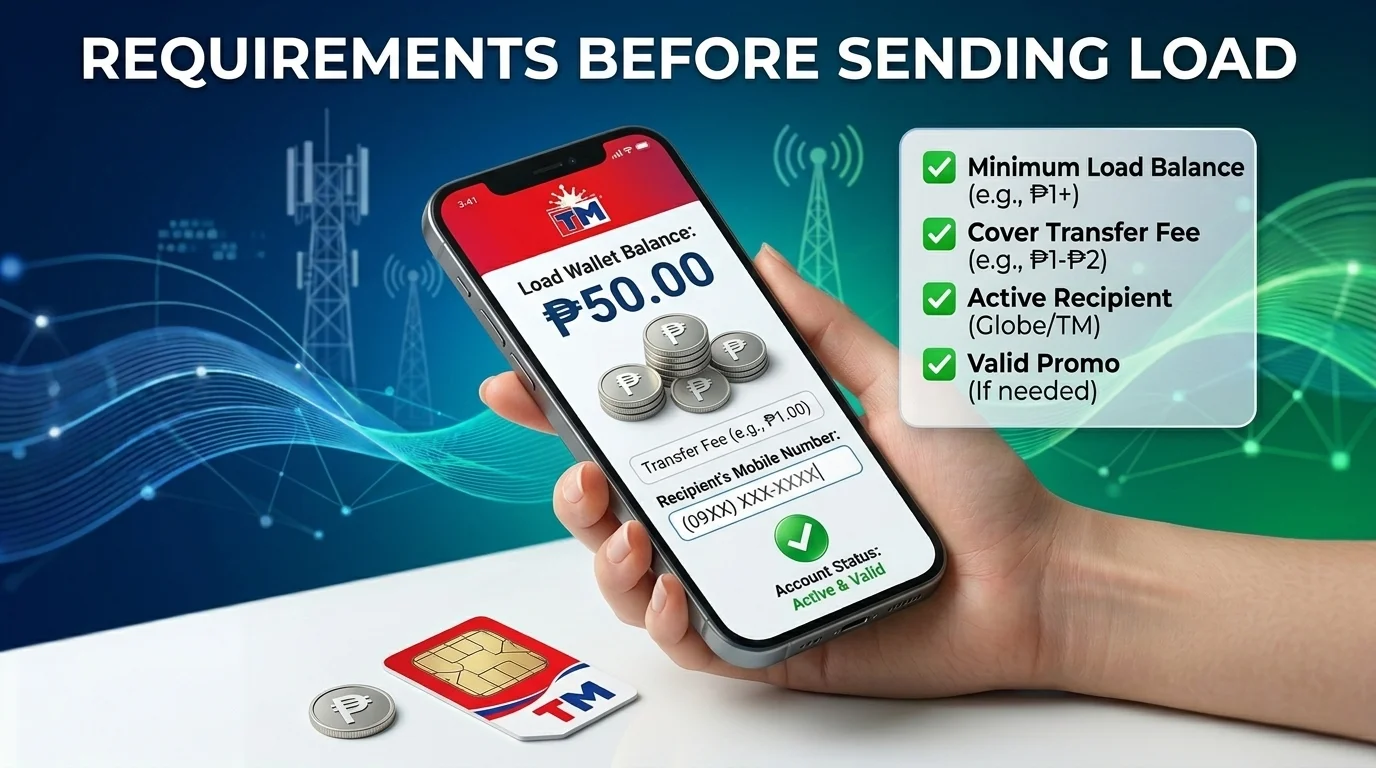
Before sending a load, make sure you have enough balance for the transfer and service fee.
Requirements Before Sending Load
Before using TM Pasaload, you need to check a few important details. These requirements help you avoid failed transfers and extra charges during the process.
Minimum Balance Required
Your TM SIM must have enough regular load before sending a transfer. The balance should cover both the pasaload amount and the service fee. If your balance is too low, TM will not complete the transaction.
Pasaload Fee
TM charges a small service fee for each successful pasaload transaction. The fee usually costs ₱1 per transfer. The system deducts this amount from your remaining prepaid balance.
Supported Networks
TM Pasaload only works between TM and Globe Telecom prepaid numbers. You cannot send load to Smart, TNT, DITO, or other mobile networks.
How to Pasaload TM to Globe
TM allows prepaid users to share load with Globe numbers anytime. The process stays simple and works on both keypad phones and smartphones. You only need an active TM SIM and enough regular balance before starting the transfer. If you want to maximize your prepaid credits, you can also explore other available TM promos that include data, calls, and text benefits.
Using *143#
You can transfer load offline through the TM USSD menu.
- Open your phone dialer.
- Type *143# and press call.
- Choose the load-sharing option.
- Enter the Globe prepaid number.
- Add the amount you want to send.
- Confirm the request.
TM will notify both users after the transfer finishes.
Using GlobeOne App
Users with internet access can also use the GlobeOne app.
- Launch the GlobeOne app on your device.
- Sign in with your TM mobile number.
- Open the load section from the main menu.
- Enter the recipient’s Globe number.
- Select the load amount.
- Tap confirm to complete the transfer.
The shared load usually arrives in a few seconds.
How to Pasaload TM to TM
TM users can share the load with another TM number anytime. The service works on a regular prepaid balance and supports both keypad phones and smartphones. You can choose between *143#, SMS, or the GlobeOne app based on your preference.
Using *143#
This method works well for users without internet access.
- Dial *143# on your TM SIM.
- Select the “Share Load” option from the menu.
- Enter the recipient’s TM number.
- Type the load amount you want to send.
- Confirm the transaction.
TM will send a text message once the transfer completes.
Using SMS
SMS pasaload gives users a faster option on basic mobile phones.
- Open your phone’s messaging app.
- Type: PASALOAD TM Number Amount
- Example: PASALOAD 09181234567 20
- Send the message to 808.
- Reply YES to confirm the request.
The recipient usually receives the shared load within seconds.
Using GlobeOne App
The GlobeOne app offers a cleaner experience for smartphone users.
- Open the GlobeOne app and log in.
- Tap the load section from the homepage.
- Enter the TM prepaid number.
- Choose the amount you want to transfer.
- Review the details and tap confirm.
Both users will receive a confirmation message after a successful transfer.
How to Send Load Using GCash
GCash gives TM users another easy way to send prepaid load. This method works best for users with mobile data or Wi-Fi access. You can buy load directly for any TM or Globe prepaid number without using the Pasaload menu. If you experience network issues while using the app, check these TM SIM no signal solutions to restore your connection.
- Open the GCash app on your phone.
- Sign in to your account.
- Tap the “Load” option from the homepage.
- Enter the TM or Globe mobile number.
- Select the load amount you want to send.
- Review the payment details.
- Tap “Pay” to complete the transaction.
The recipient usually receives the load within a few seconds. GCash also keeps a record of your recent load purchases inside the app. If you no longer use your TM number after transferring load, you can learn more about TM SIM deactivation and the available deactivation options.
TM Pasaload Limits and Charges
TM applies certain limits and service charges on every pasaload transaction. Users should understand these rules before sending load to another TM or Globe prepaid number.
Minimum and Maximum Amount
TM users can usually send as low as ₱1 per transaction. The maximum amount often reaches ₱150 for regular prepaid users. The exact limit may change based on your account status or current TM policies.
TM also charges a ₱1 service fee for each successful transfer. Your prepaid balance must cover both the load amount and the fee.
Daily Transfer Limit
TM sets a daily limit for pasaload transactions to prevent misuse. Most prepaid users can transfer up to ₱150 per day. Once you reach the limit, TM may block additional transfers until the next day. Always check your remaining balance before starting another transaction.
TM Pasaload mainly supports regular prepaid load sharing. Users cannot directly transfer mobile data or MB balance through standard Pasaload methods. Some TM users instead use Surf4All promos in the GlobeOne app for shared data access. Users planning to switch to a digital SIM can also learn more about converting a physical TM SIM to eSIM for added convenience and device compatibility.
Why Your TM Pasaload Is Not Working
TM pasaload may fail for several common reasons. Most issues relate to balance, network errors, or incorrect account details. Checking these problems first can save time and prevent repeated failed transfers.
Insufficient Balance
Your TM balance must cover both the load amount and the ₱1 service fee. TM will reject the request if your prepaid balance is too low.
Wrong Recipient Number
TM Pasaload only works for TM and Globe Telecom prepaid numbers. A wrong digit or an unsupported network can stop the transfer immediately.
Network Problems
Weak signal or temporary system issues can interrupt the transaction. Wait a few minutes and try the request again after your network stabilizes.
Daily Limit Reached
TM sets a daily sending limit for prepaid users. You may not send another transfer after reaching the allowed amount for the day.
Inactive SIM Card
TM requires active and registered SIM cards for pasaload transactions. The transfer may fail if your SIM or the recipient’s SIM is inactive or expired.
Tips for Successful TM Pasaload Transactions
Small mistakes can cause a pasaload request to fail. These simple tips can help you complete the transfer without problems.
Conclusion
TM Pasaload gives prepaid users a quick way to share load with TM or Globe numbers. Users can send load through *143#, SMS, the GlobeOne app, or GCash. The process only takes a few minutes if your SIM stays active and your balance is enough.
Before sending a load, always check the recipient’s number, service fee, and daily transfer limit. These small checks can help you avoid failed transactions and delays.